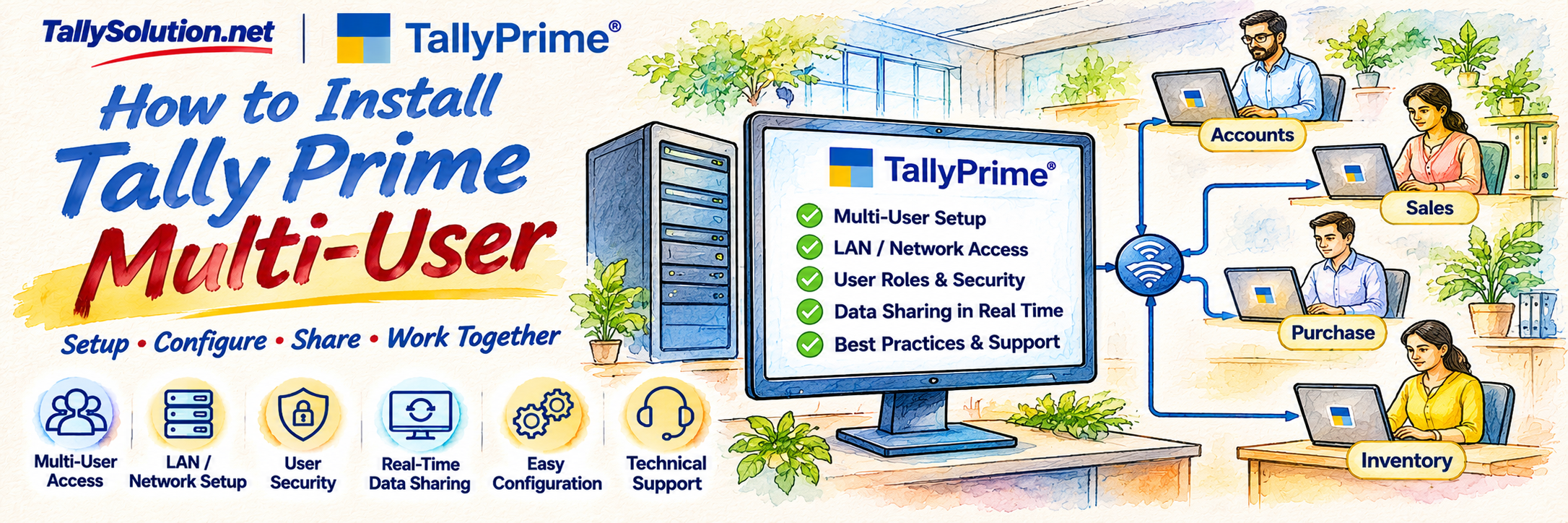
A smooth installation starts before the setup file is opened. Confirm that the computer meets the current system requirements, that the user has permission to install software and that company data from any previous version is safely backed up. Download the installer from a trusted official source.
A beginner's guide to preparing a computer, installing TallyPrime, activating a licence, creating a company and checking the first reports.
TallyPrime Complete Installation Guide for Beginners: What Businesses Should Understand
Run the installer and follow the setup prompts for the intended installation folder and configuration. After installation, open the application and activate or configure the valid licence according to the licence instructions. Create a new company with the correct name, address, financial year and books beginning date. Configure GST and other features only after confirming the business details.
Important Requirements and Practical Considerations
Create groups and ledgers carefully, set inventory features if required and enter a small set of test transactions. Review the day book, ledger, trial balance and financial statements to understand how entries flow through the system. Configure backups, user access and printers before live use. If migrating data, test a copy and reconcile balances before switching.
Planning, Implementation and Day-to-Day Use
Before making changes to a live accounting environment, document the existing process and identify who is responsible for each step. Keep a verified backup, test the proposed workflow with representative transactions and compare the resulting ledgers, inventory balances and reports with expected results. Record configuration decisions so that another authorised team member can understand and maintain the setup.
For a growing organisation, also review user permissions, approval responsibilities, backup frequency, data retention, training needs and the process for handling errors. A small pilot with a limited group of users can reveal practical issues before the workflow is rolled out across the business.
How Glow IPS Solutions – Tally Solution Network Can Help
Choosing and configuring accounting software is easier when the solution is planned around the way a business actually works. Glow IPS Solutions – Tally Solution Network helps businesses assess requirements, select suitable TallyPrime options and plan practical implementation. Depending on the project, support can include licence guidance, installation, configuration, data migration, TDL development, customised modules, reports, integrations, cloud or remote-access assessment, staff training and ongoing technical assistance.
We welcome enquiries from Delhi, Delhi NCR including Faridabad and nearby business areas, customers across India, and international users where licensing, local regulations and remote or onsite service arrangements permit. The scope and price are discussed according to the actual requirement, so customers can choose the right solution at the right price. Call 9899264978 to discuss your Tally accounting or enterprise requirement.
Frequently Asked Questions
Where should I download TallyPrime?
Use the official Tally source or a verified channel.
Can I install without a licence?
You can review available modes, but commercial use should follow valid licensing.
Should old data be backed up first?
Always create and verify a backup before migration or reinstallation.
Conclusion
Glow IPS Solutions – Tally Solution Network provides installation, activation guidance, company configuration, data migration, custom reports, TDL development, integration and practical training. Contact 9899264978 for assistance in Delhi NCR, across India and supported international locations.
Every business has different accounting practices, users and technical requirements. Review the current product features, licence conditions and applicable regulations before implementation, and obtain professional advice where statutory or tax treatment is involved.
Glow IPS Solutions – Tally Solution Network is ready to discuss your requirement for TallyPrime, enterprise modules, customisation, development, integration, training and support. Connect with us on 9899264978 for a practical discussion and a requirement-based quotation. Get the right Tally solution at the right price.